
The Schema Work Area
The information on this page relates to the new upgraded interface of the IConduct platform. To view information about the Classic version of the user interface, follow this link.
The Schema Columns work area follows the IConduct platform design. For further information on toolbar, sorting and grouping options and search capabilities, see Introducing the Home Page.
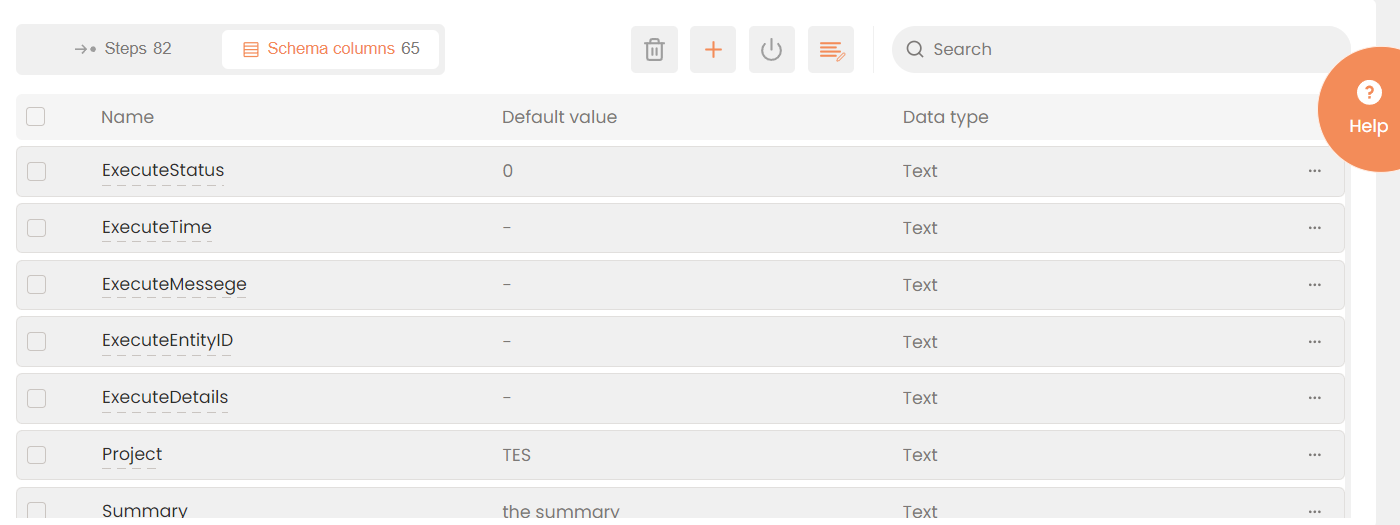
Interfaces > Tasks> [Task Name]>Schema Columns
The Schema Columns table in the work area provides the following information and interactive areas:
| Fields | Description |
|---|---|
|
|
An option box for selecting a column. |
|
Name |
The column name. |
|
Data Type |
Filled by default |
|
Default Value |
If the column has a default value, it will be listed here. |
|
|
Interactive menu providing actions available to the schema column. |


The Schema Columns work area supports the standard IConduct platform actions, such as add, editing, and deleting. All the sorting/grouping and searching options are enabled.